NestJS安装Scalar
前言
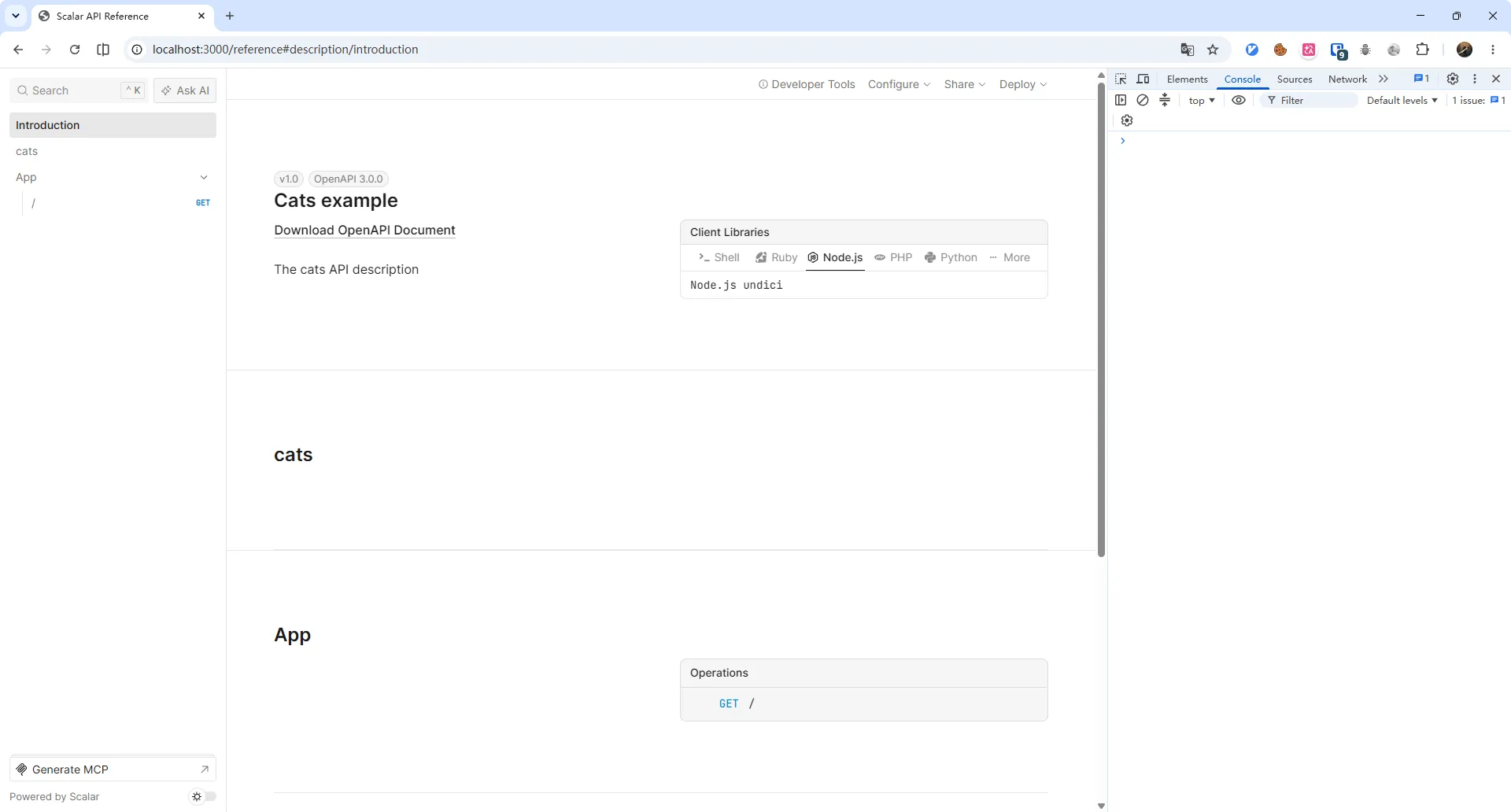
之前后端项目一直使用的 swagger 文档, 页面UI风格比较朴素, 尝试一下 Scalar 看看实际效果怎么样
安装
在 NestJS 项目中需要先安装 @nestjs/swagger
pnpm add -D @nestjs/swagger然后安装 Scalar
pnpm add @scalar/nestjs-api-referenceimport 'varlock/auto-load'
import { NestFactory } from '@nestjs/core'
import { AppModule } from './app.module.js'
import { ENV } from 'varlock/env'
import { DocumentBuilder, SwaggerModule } from '@nestjs/swagger'
import { apiReference } from '@scalar/nestjs-api-reference'
async function bootstrap() {
const app = await NestFactory.create(AppModule, {
bodyParser: false, // @thallesp/nestjs-better-auth 要求必须为 false
})
const config = new DocumentBuilder()
.setTitle('Cats example')
.setDescription('The cats API description')
.setVersion('1.0')
.addTag('cats')
.build()
const document = SwaggerModule.createDocument(app, config)
const OpenApiSpecification =
/* … */
app.use(
'/reference',
apiReference({
content: document,
})
)
await app.listen(ENV.PORT)
}
await bootstrap()访问地址 http://localhost:${ENV.PORT}/reference