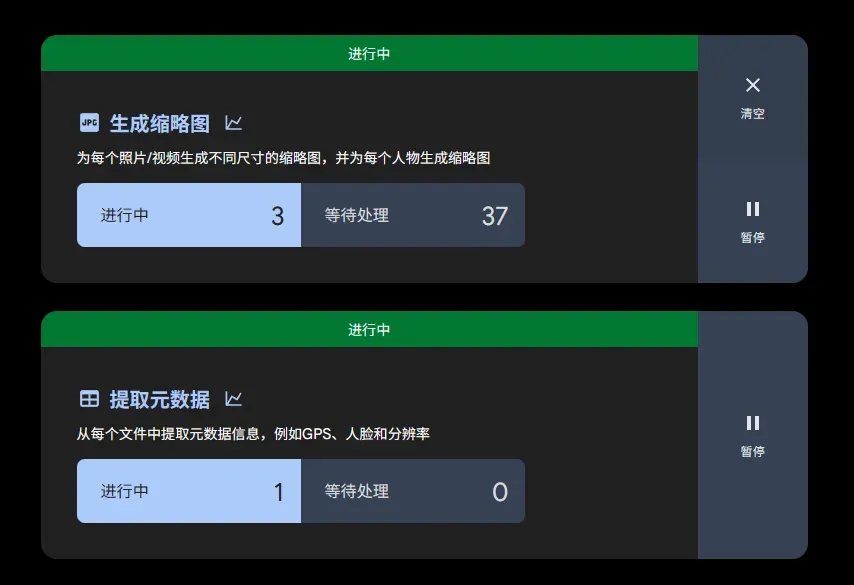
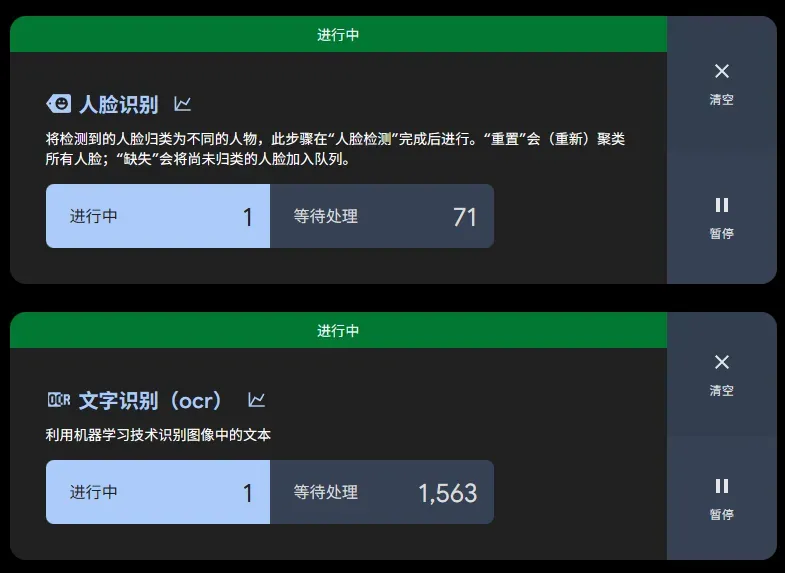
安装 Immich
Docker Compose Builder | Immich
name: immich

services:
  immich-server:
    container_name: immich_server
    image: ghcr.io/immich-app/immich-server:v3
    volumes:
      - ./library:/data
      - /etc/localtime:/etc/localtime:ro
    environment:
      TZ: Asia/Shanghai
    ports:
      - 2283:2283
    depends_on:
      - redis
      - database
    restart: always
    healthcheck:
      disable: false
    deploy:
      resources:
        reservations:
          devices:
            - driver: nvidia
              count: 1
              capabilities:
                - gpu
                - compute
                - video

  immich-machine-learning:
    container_name: immich_machine_learning
    image: ghcr.io/immich-app/immich-machine-learning:v3-cuda
    volumes:
      - model-cache:/cache
    restart: always
    healthcheck:
      disable: false
    deploy:
      resources:
        reservations:
          devices:
            - driver: nvidia
              count: 1
              capabilities:
                - gpu

  redis:
    container_name: immich_redis
    image: docker.io/valkey/valkey:9@sha256:4963247afc4cd33c7d3b2d2816b9f7f8eeebab148d29056c2ca4d7cbc966f2d9
    healthcheck:
      test: redis-cli ping || exit 1
    restart: always

  database:
    container_name: immich_postgres
    image: ghcr.io/immich-app/postgres:14-vectorchord0.4.3-pgvectors0.2.0@sha256:bcf63357191b76a916ae5eb93464d65c07511da41e3bf7a8416db519b40b1c23
    environment:
      POSTGRES_PASSWORD: postgres
      POSTGRES_USER: postgres
      POSTGRES_DB: immich
      POSTGRES_INITDB_ARGS: --data-checksums
      DB_STORAGE_TYPE: HDD
    volumes:
      - postgres-data:/var/lib/postgresql/data
    shm_size: 128mb
    restart: always
    healthcheck:
      disable: false

volumes:
  model-cache:
  postgres-data:
在当前目录运行
docker compose up -d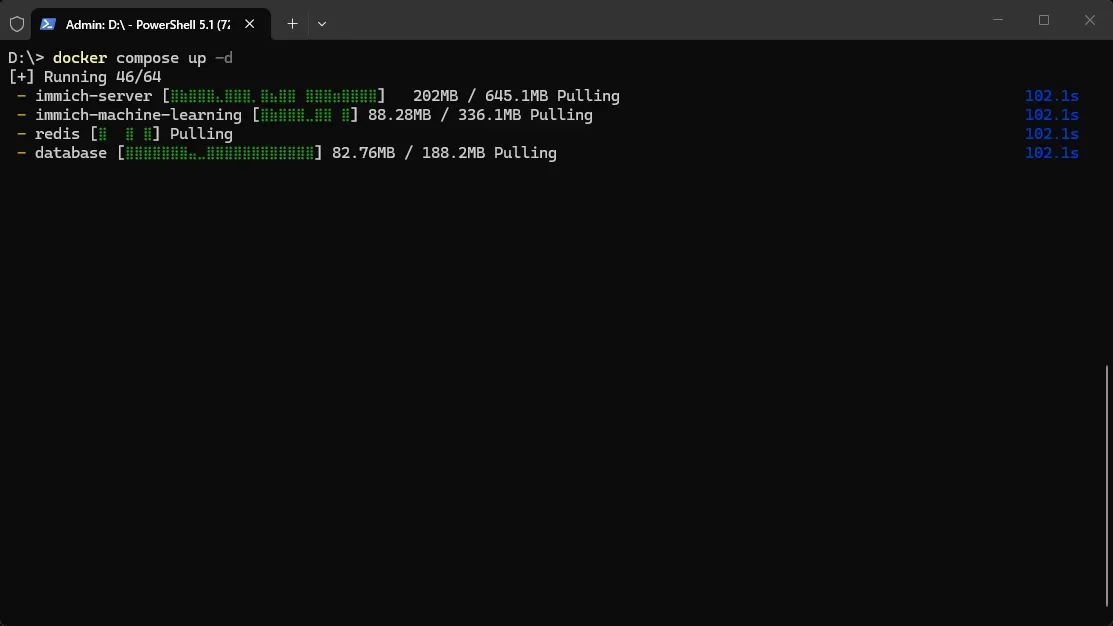
等待安装, 大概过了一会
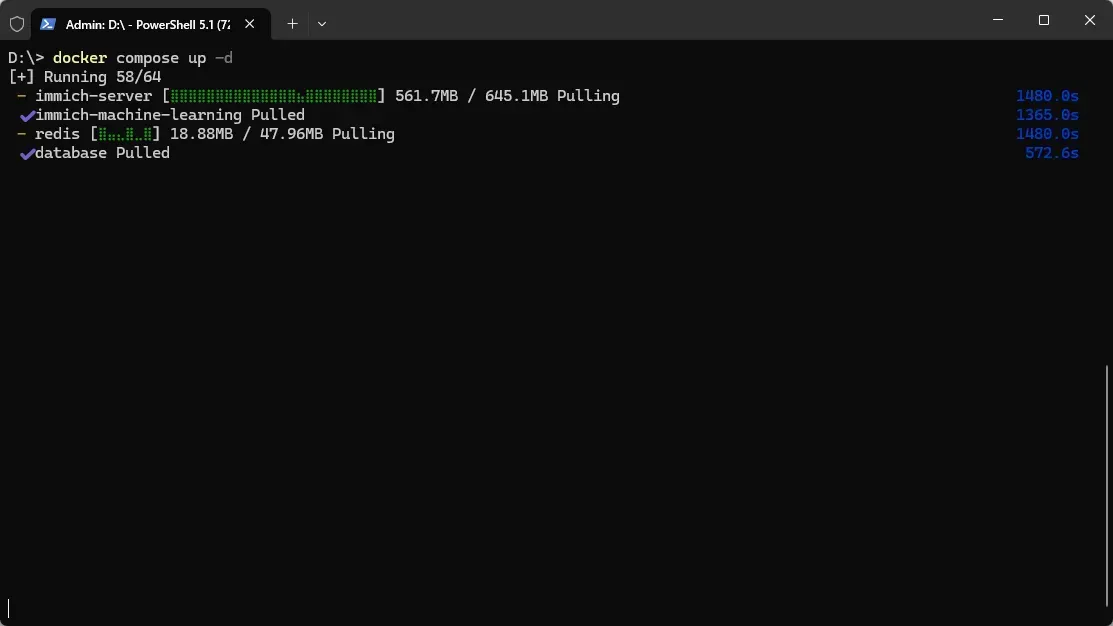
然后…卡住了
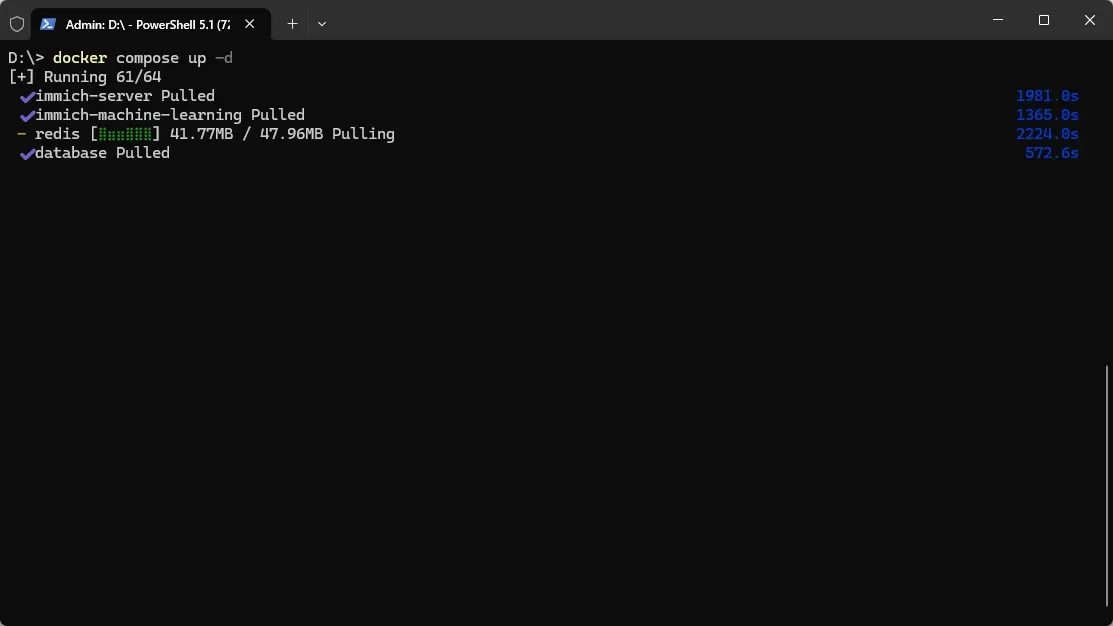
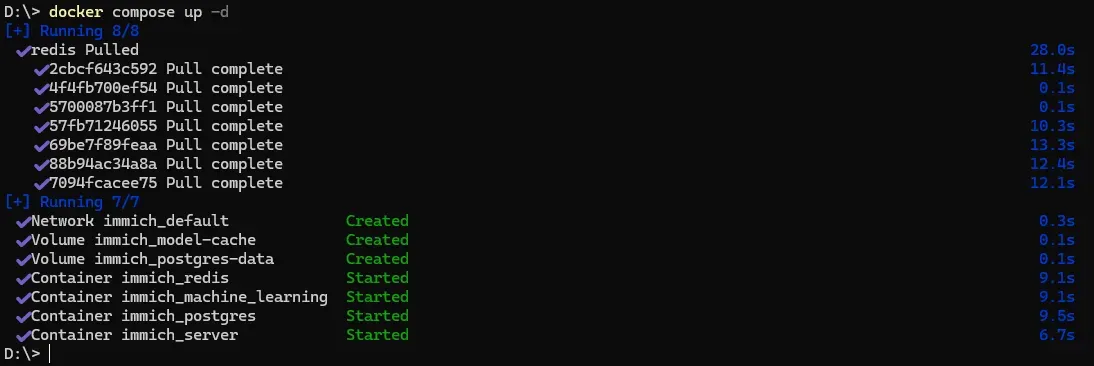
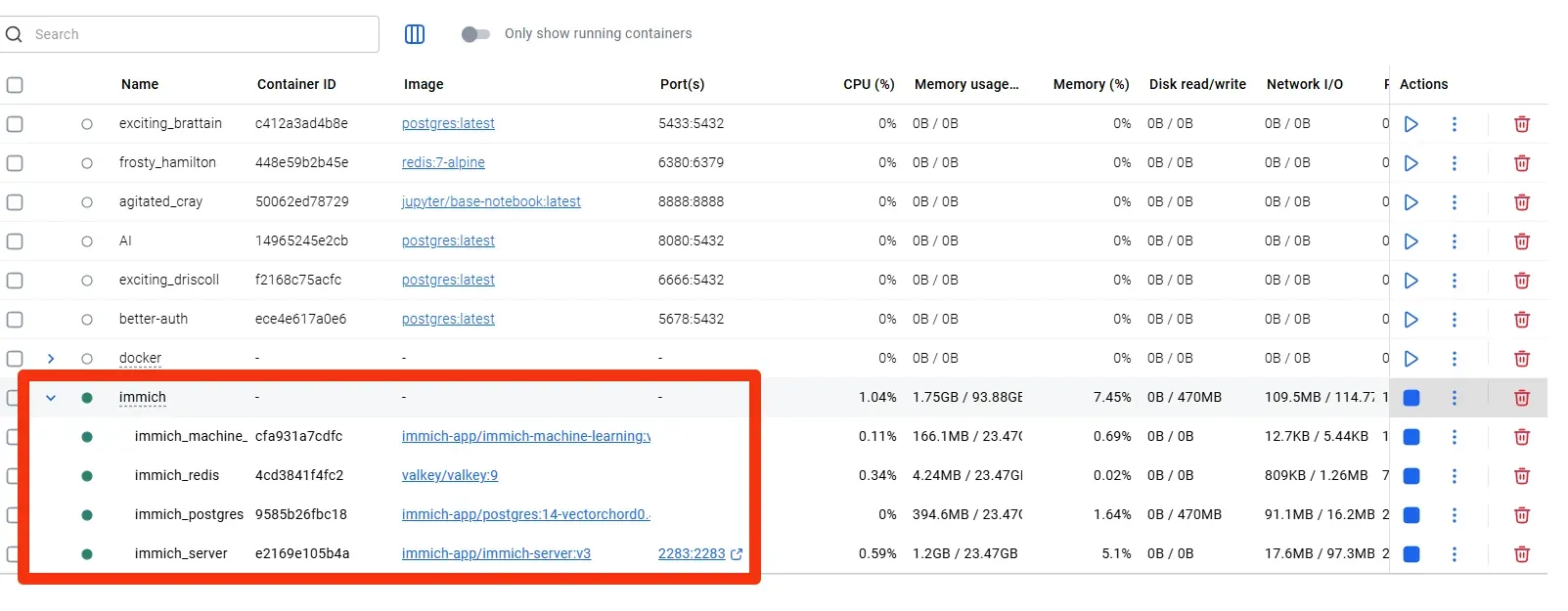
直接 Ctrl + C 取消, 重新运行 docker compose up -d 很快就安装成功
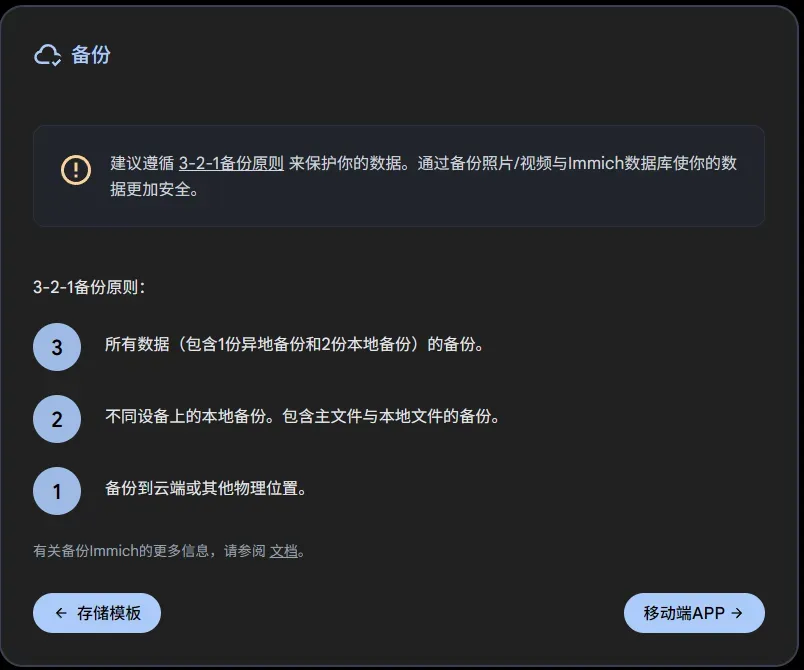
推荐的备份原则
手机端可以下载 Releases · immich-app/immich
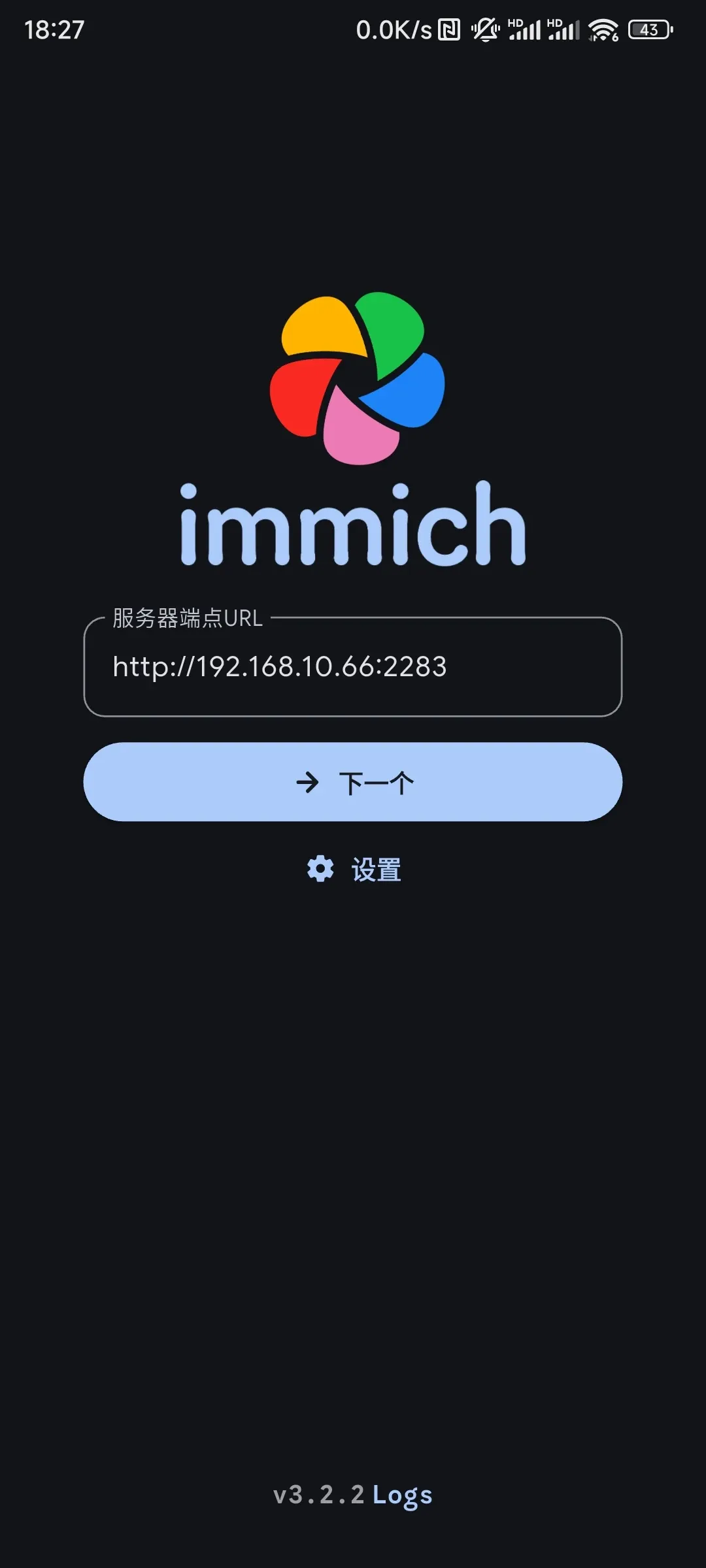
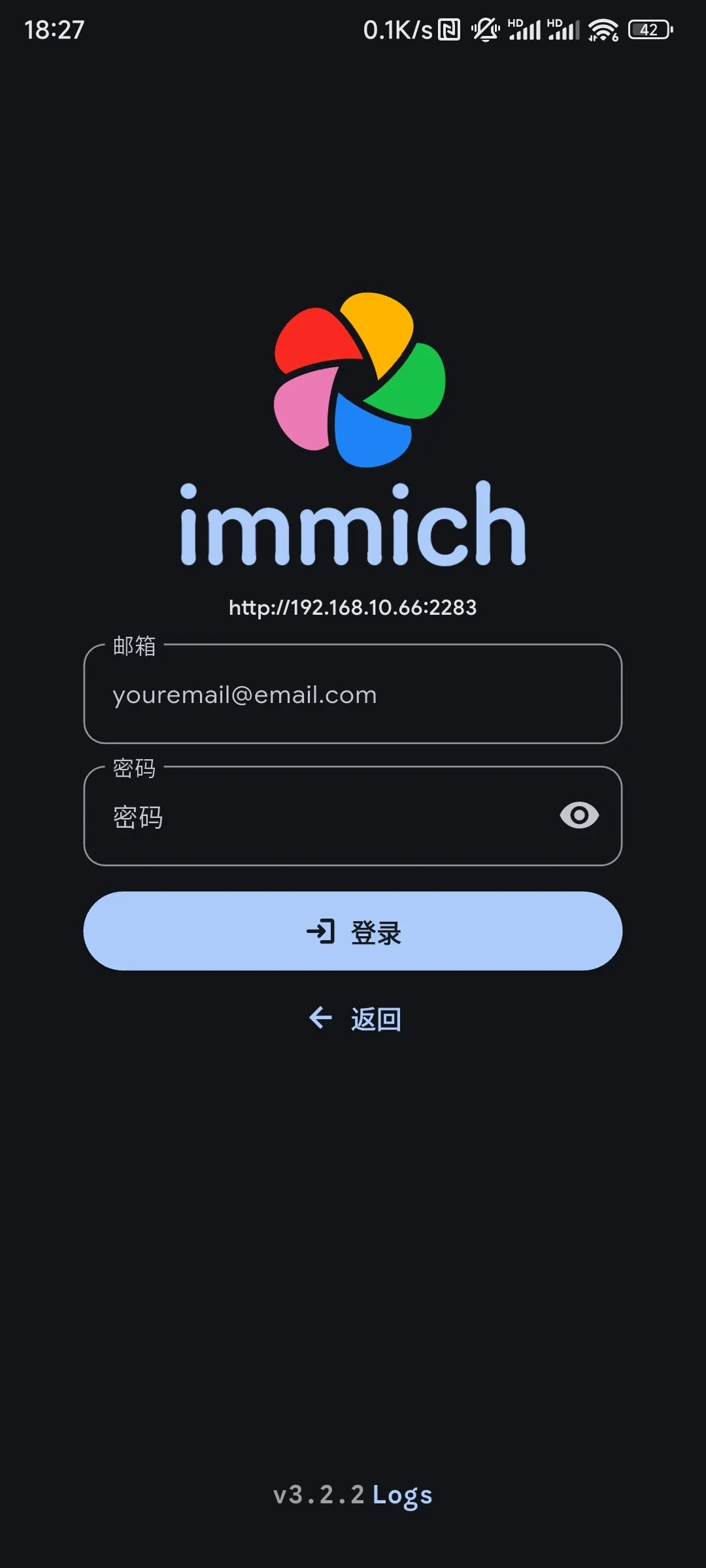
输入电脑端的服务器地址
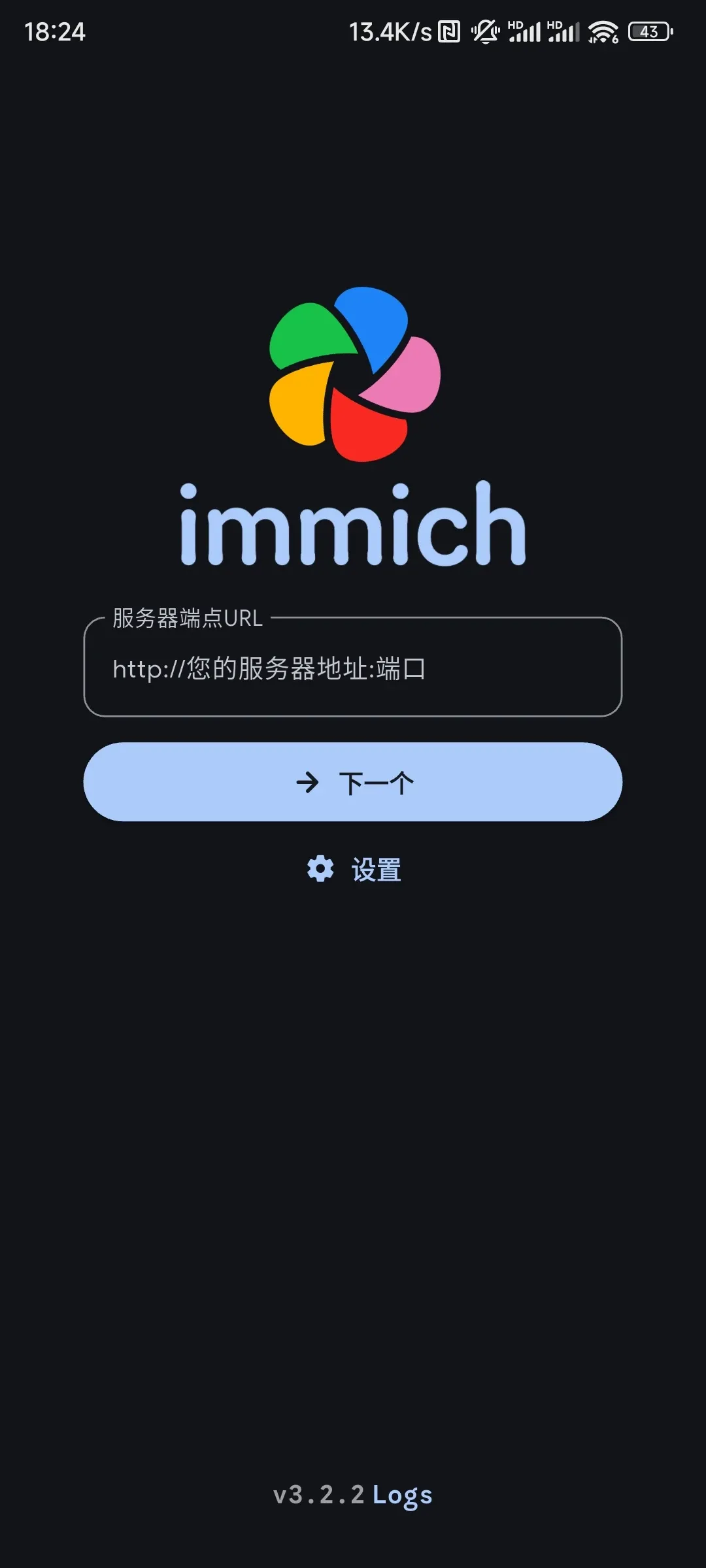
服务器地址不是 http://localhost:2283/
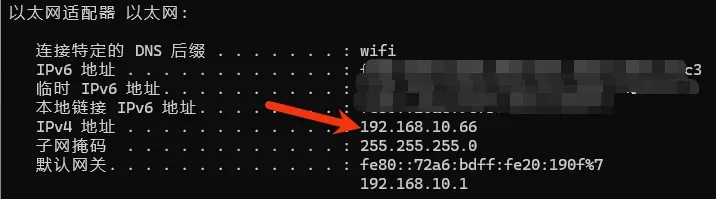
服务器地址是你运行 immich 电脑的 ip 地址, 可以在终端输入 ipconfig 查看